

dotBox 220W V2 Kit
- Alabama
- Alaska
- Arizona
- Arkansas
- California
- Colorado
- Connecticut
- Delaware
- Florida
- Georgia
- Hawaii
- Idaho
- IllinoisNot to Chicago or Cook County
- Indiana
- Iowa
- Kansas
- Kentucky
- Louisiana
- Maine
- Maryland
- Massachusetts
- Michigan
- Minnesota
- Mississippi
- Missouri
- Montana
- Nebraska
- Nevada
- New Hampshire
- New Jersey
- New Mexico
- New York
- North Carolina
- North Dakota
- Ohio
- Oklahoma
- Oregon
- Pennsylvania
- Rhode Island
- South CarolinaUntil Feb 1, 2027 (enforcement date)
- South Dakota
- Tennessee
- TexasSome restrictions may apply
- Utah
- Vermont
- Virginia
- Washington
- West Virginia
- Wisconsin
- Wyoming
- Washington, DC
- Military (APO, FPO, DPO)
Original price was: $89.99.$78.99Current price is: $78.99.
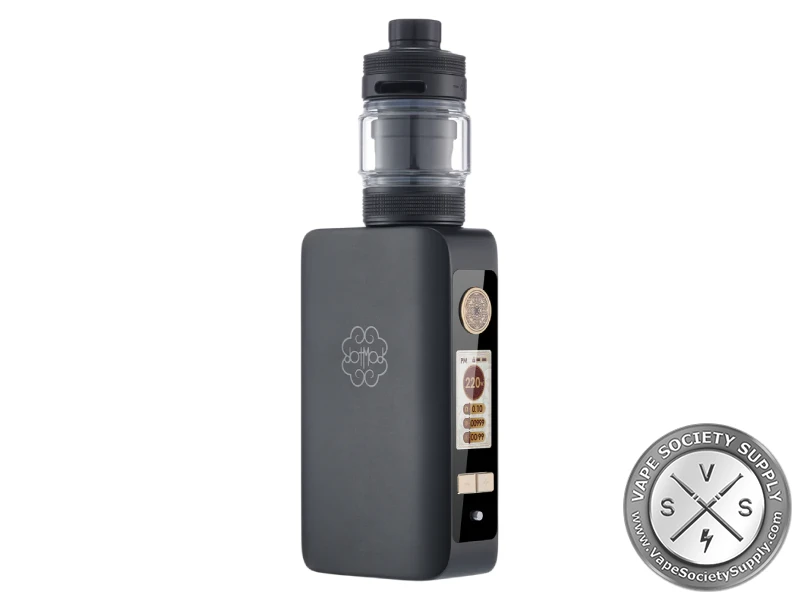
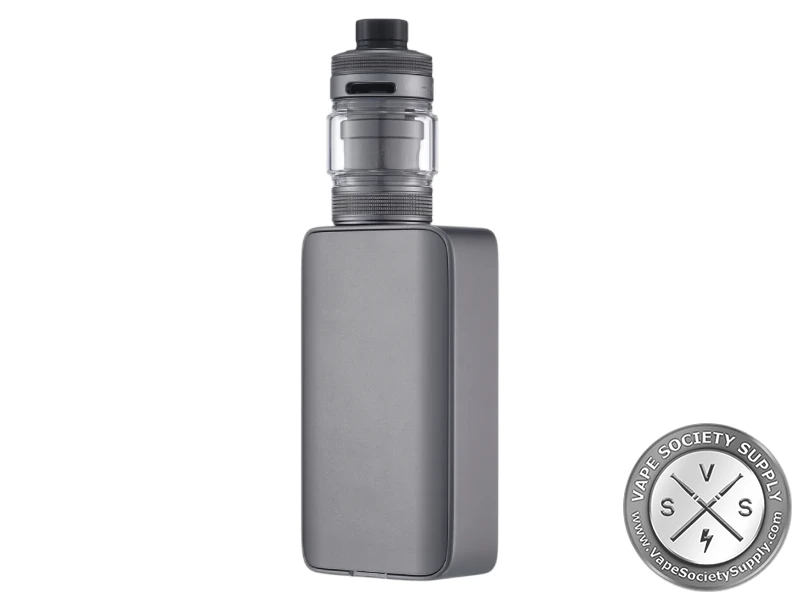
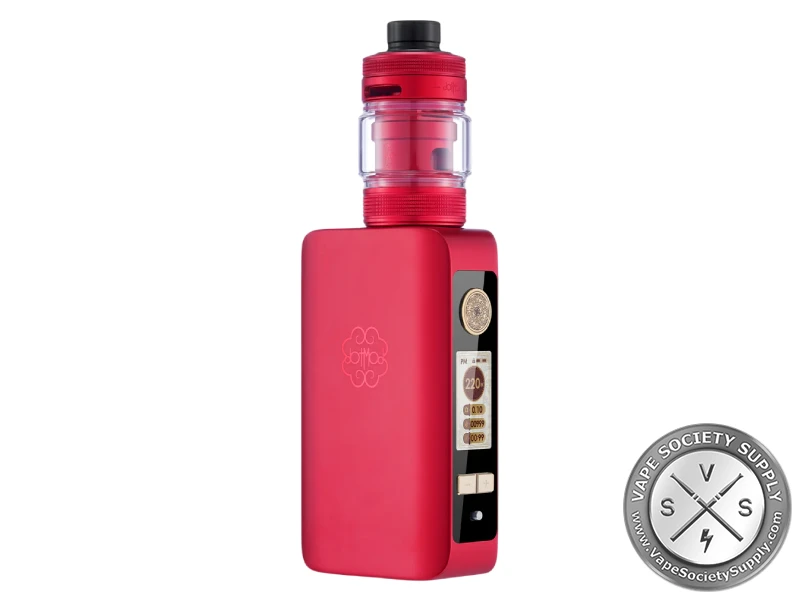
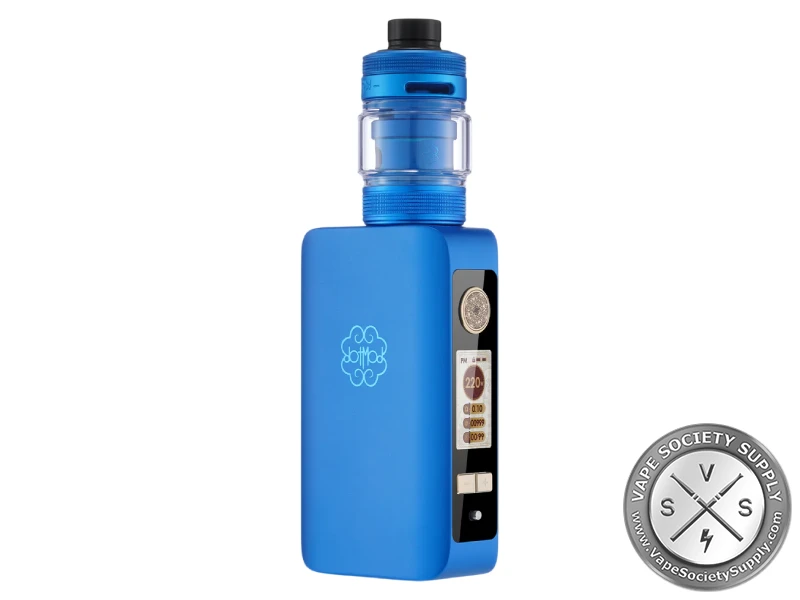
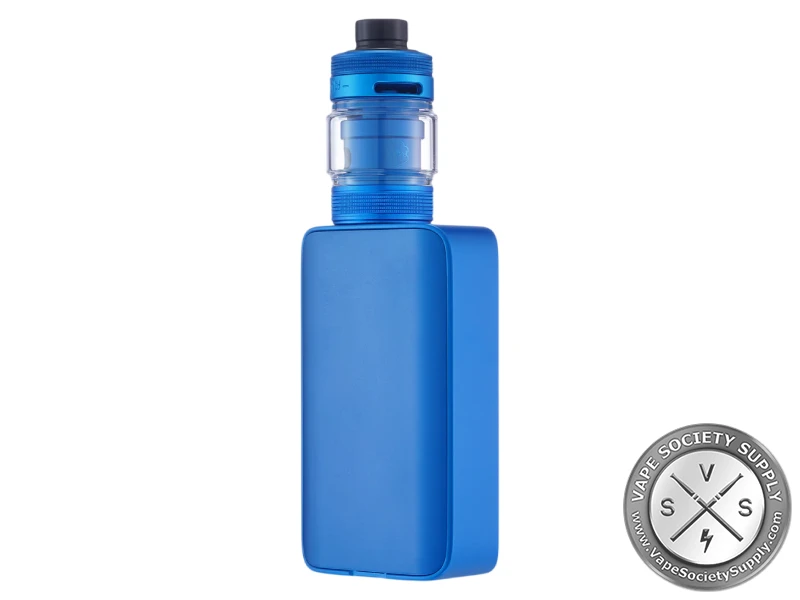
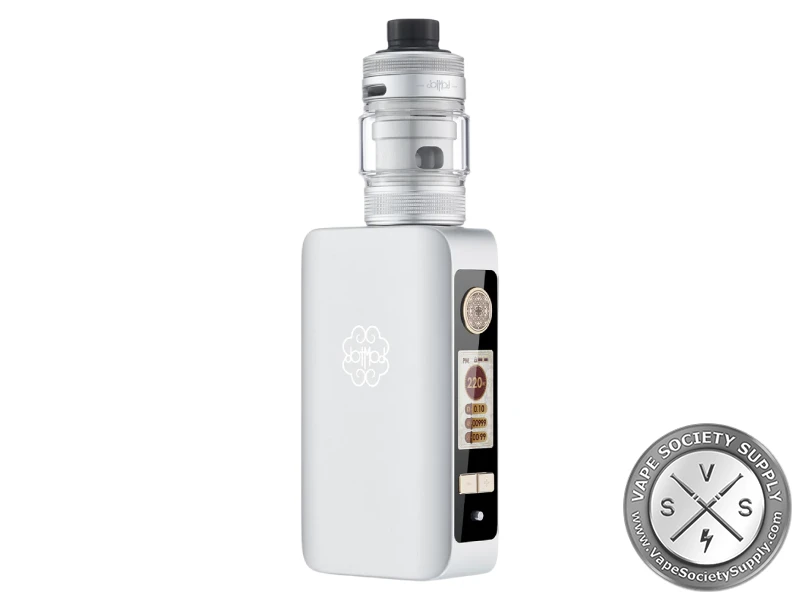
The dotBox 220W V2 Kit pairs dotmod’s 220W dual-18650 dotBox 220W V2, with a color display and lock switch, with the 4ml dotTank Max V2 for dotCoils. Two dotCoils come in the box.

dotBox 220W V2 Kit Review
The dotBox 220W V2 Kit pairs dotmod’s dotBox 220W V2, a dual-18650 box mod with up to 220W, a 1.08-inch color display and a full device lock switch, with the 4ml dotTank Max V2 for dotCoils. Reviewers list power, bypass, boost and curve modes plus temperature control. See more from dotmod or compare other box mod kits.
dotBox V2 Kit Highlights
Up to 220W
dotmod rates the dotBox 220W V2 at up to 220W from two 18650 batteries, sold separately.
Seven Modes
Power, bypass, boost and curve, plus temperature control for nickel, titanium and stainless steel wire.
dotTank Max V2
A 4ml top-fill tank for dotCoils. dotmod says it has 35% more airflow than the first dotTank Max and weighs 50% less.
Lock Switch
The mod has a 1.08-inch color display and a full device lock switch.
dotBox 220W V2 Kit Specs
dotBox 220W V2 Mod
- Batteries: two 18650s (not included)
- Output: 5–220W
- Modes: power, bypass, boost, curve; temperature control (nickel, titanium, stainless steel)
- Screen: 1.08-inch color display
- Controls: fire button, + and − buttons, full device lock switch
- Charging: USB-C (cable included)
- Connection: 510
- Body: aluminum
dotTank Max V2
- Capacity: 4ml
- Fill: top fill
- Coils: dotCoils (two in the box)
- Drip tip: standard 810
- Diameter: 25mm, per reviewers
- Spare glass: one in the box
dotBox 220W V2 Kit Colors
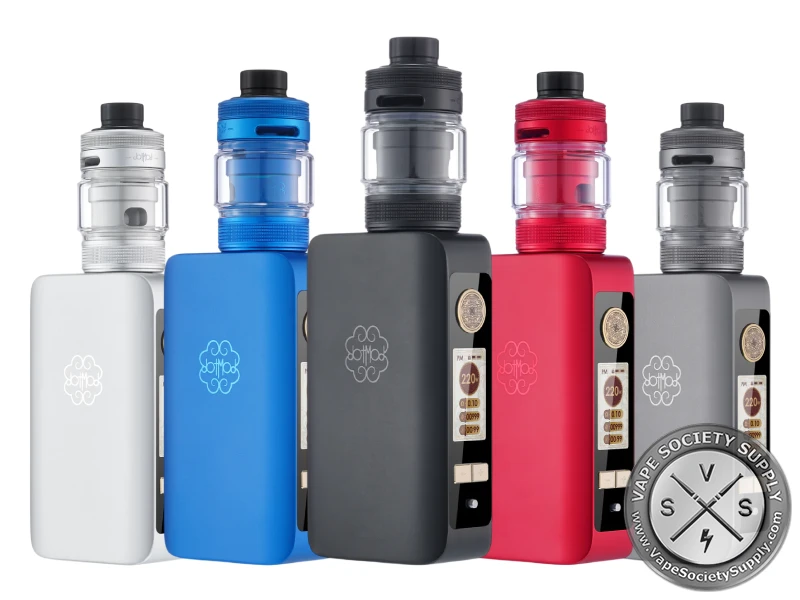
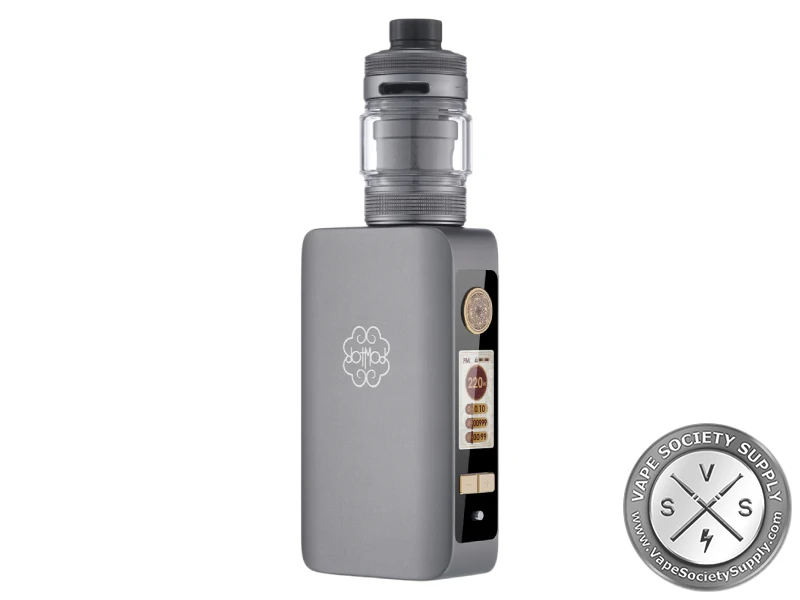
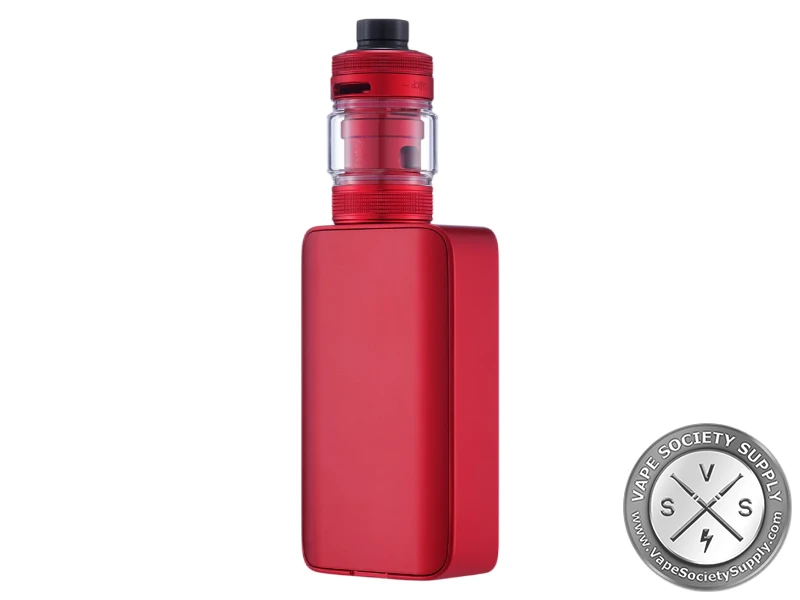
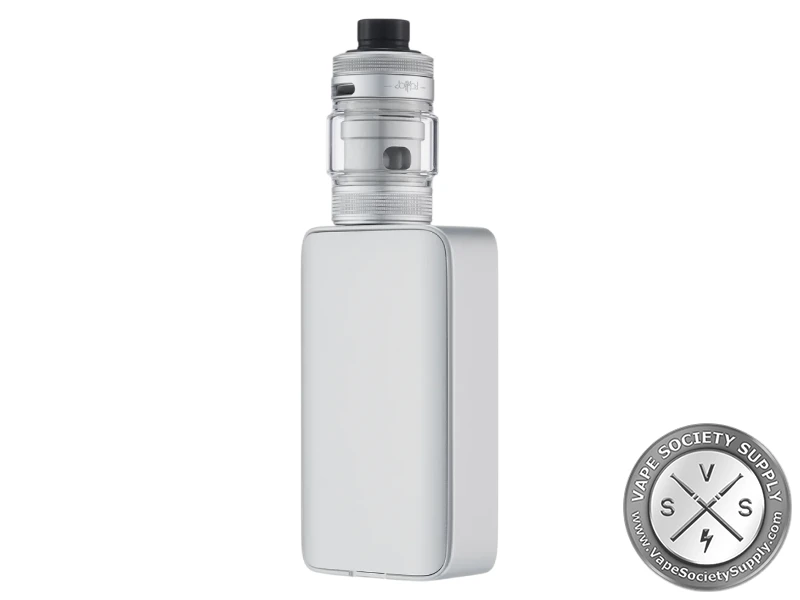
- Options: Black, Gunmetal, Red, Royal Blue, Silver
dotBox 220W V2 Modes
Reviewers list these modes on the dotBox 220W V2:
| Mode | What it does |
|---|---|
| Power | you set the wattage, up to 220W |
| Bypass | sends the battery voltage straight to the coil |
| Boost | a stronger start to each puff |
| Curve | you set how the power changes through the puff |
| Temperature control | holds the coil at the temperature you set, for nickel, titanium or stainless steel wire |
How to Set Up the dotBox 220W V2 Kit
- Fit the batteries: open the battery cover and put in two charged 18650s, matching the + and − marks.
- Fit a coil: put one of the two dotCoils into the dotTank Max V2.
- Fill the tank: fill it from the top, then screw it onto the 510 connection.
- Unlock it: move the lock switch to the unlocked position.
- Set it up: use the fire button and the + and − buttons to pick a mode and set the power, staying inside the coil’s rating.
- Vape: press the fire button.
Who the dotBox V2 Kit Is For
The dotBox 220W V2 Kit suits vapers who want a slim dual-18650 box mod with temperature control and a matching dotmod tank in one box. For the mod alone, see the dotMod dotBox 220W V2 Box Mod.
Good to know: Reviewers recommend charging the 18650s in an external charger to look after them; the USB-C port is handy for top-ups.
What’s in the dotBox 220W V2 Kit
- dotBox 220W V2 mod
- dotTank Max V2
- Replacement glass
- 2 dotCoils
- USB-C cable
- 7 O-rings
- User manual
The two 18650 batteries aren’t included.
dotBox 220W V2 Kit FAQ
What batteries does it take?
Two 18650 batteries, sold separately. The mod has a USB-C port, and reviewers recommend an external charger to look after the batteries.
How much does the tank hold?
The dotTank Max V2 holds 4ml and fills from the top.
Which coils does the tank take?
dotmod dotCoils. Two come in the box.
What modes does the mod have?
Power, bypass, boost and curve, plus temperature control for nickel, titanium and stainless steel wire.
Can I lock it?
Yes. The mod has a full device lock switch on the side strip.
Compatible With...
Vape Replacement Coils
Sub Ohm Tanks
Battery Chargers & Batteries
You May Also Like
Box Mod Kits
Box Mod Kits
Box Mod Kits
Box Mods
