


Graveyard ClearanceClearance
dotPod Go Kit Pod System
- Alabama
- Alaska
- Arizona
- Arkansas
- California
- Colorado
- Connecticut
- Delaware
- Florida
- Georgia
- Hawaii
- Idaho
- IllinoisNot to Chicago or Cook County
- Indiana
- Iowa
- Kansas
- Kentucky
- Louisiana
- Maine
- Maryland
- Massachusetts
- Michigan
- Minnesota
- Mississippi
- Missouri
- Montana
- Nebraska
- Nevada
- New Hampshire
- New Jersey
- New Mexico
- New York
- North Carolina
- North Dakota
- Ohio
- Oklahoma
- Oregon
- Pennsylvania
- Rhode Island
- South CarolinaUntil Feb 1, 2027 (enforcement date)
- South Dakota
- Tennessee
- TexasSome restrictions may apply
- Utah
- Vermont
- Virginia
- Washington
- West Virginia
- Wisconsin
- Wyoming
- Washington, DC
- Military (APO, FPO, DPO)
Original price was: $39.99.$25.99Current price is: $25.99.
Graveyard Clearance priceClearance price, already marked down. Codes don’t apply. While supplies last.
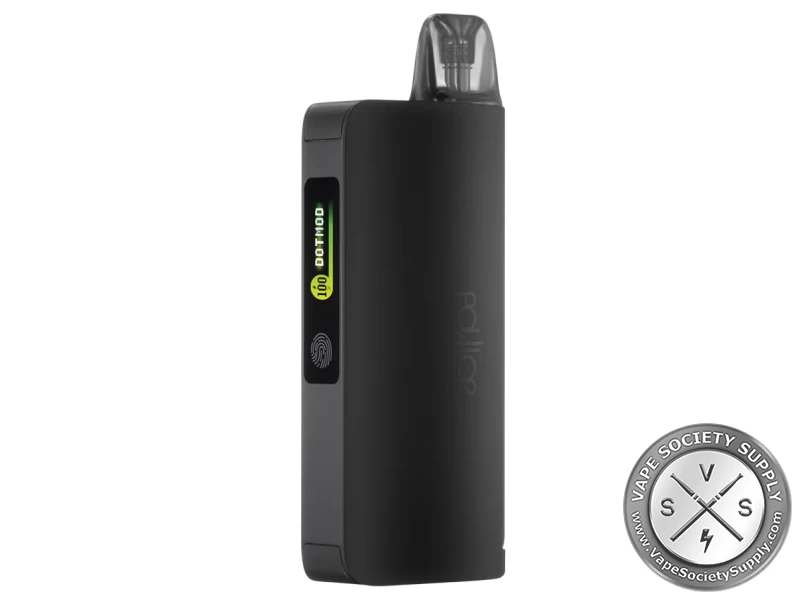
The dotPod Go Kit pairs dotmod’s 650mAh dotPod Go, which sets its own power from 16W to 22W, with the 2350mAh dotPod Go Power Bank, which docks the pen with magnets and charges it.
Most orders ship within 24 hours on business days, except holidays. Orders placed on weekends or major holidays start processing the next business day.
| Option | Under $99 | $99 or more* |
|---|---|---|
| Standard shipping3–7 business days once shipped | $8.00 | FREE |
| PUDOpoint pickup3–5 business days, at a local counter | $8.00 | FREE |
| Adult signature (21+)Every shipped order | $8.00 | $8.00 |
Federal law requires an adult signature on every vape delivery: someone 21 or older signs and shows a valid photo ID.
dotPod Go Kit Pod System Review
The dotPod Go Kit Pod System pairs dotmod’s dotPod Go, a 650mAh pod vape that sets its own power from 16W to 22W, with the 2350mAh dotPod Go Power Bank. The pen docks on the power bank with magnets and charges from it, and you can charge either one over USB-C, or both at once. See more from dotmod or compare other pod systems.
dotPod Go Kit Highlights
2350mAh Power Bank
With the pen docked and no cable plugged in, the power bank charges the dotPod Go. It has a 0.99-inch color screen and a touch switch.
Charge Together or Apart
Plug a USB-C cable into the power bank with the pen docked to charge both, or charge each one on its own.
Auto Power
The dotPod Go reads the pod’s resistance and sets the power: 22W for a 0.6Ω pod, 18W for 0.8Ω and 16W for 1.0Ω.
Vape While It Charges
Charging pauses while you vape and starts again after. Docked, the screen lights for 5 seconds before charging resumes.
dotPod Go Kit Specs
dotPod Go
- Battery: 650mAh, built in
- Output: auto, 16–22W
- Pod resistance: 0.6–1.0Ω
- Screen: 0.69-inch monochrome OLED
- Airflow: adjustable
- Charging: USB-C, 5V/0.65A, or from the power bank
- Safety: 8-second cut-off; short-circuit, open-circuit, resistance, overheat and low-battery alerts
dotPod Go Power Bank
- Battery: 2350mAh
- Screen: 0.99-inch color TFT
- Controls: touch switch; 5 presses turn it on or off
- Charging: USB-C, 5V/2A
- Connection: magnetic
Pods
- Pods: dotPod replacement pods, 0.6Ω, 0.8Ω, 1.0Ω
- Capacity: 2ml
- Fill: side fill under a silicone cover
dotPod Go Kit Colors
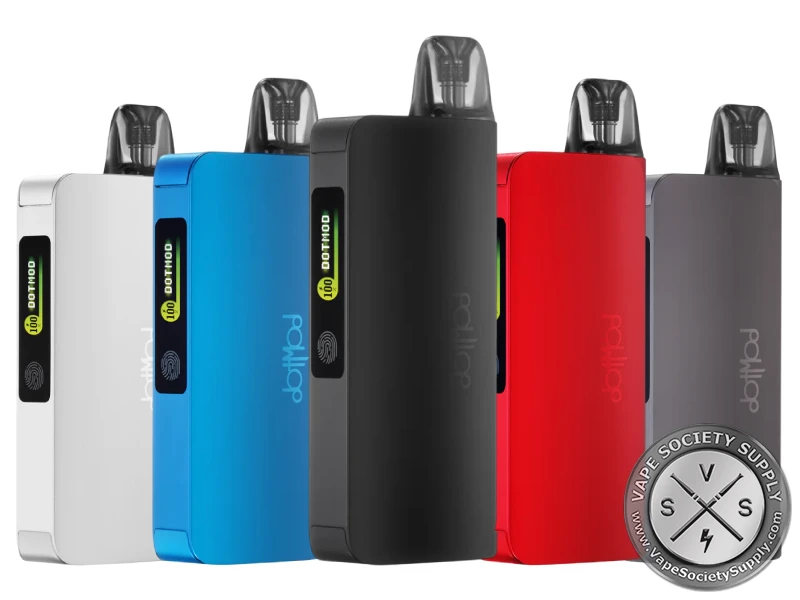
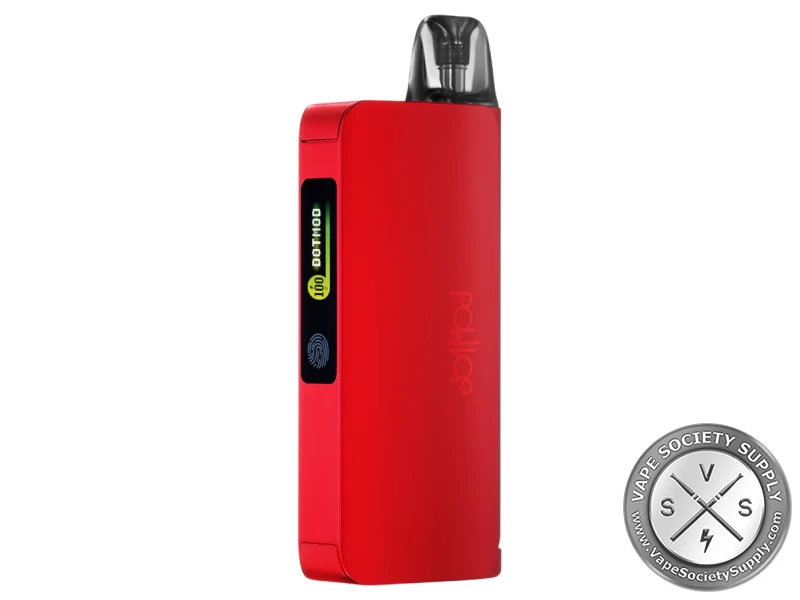
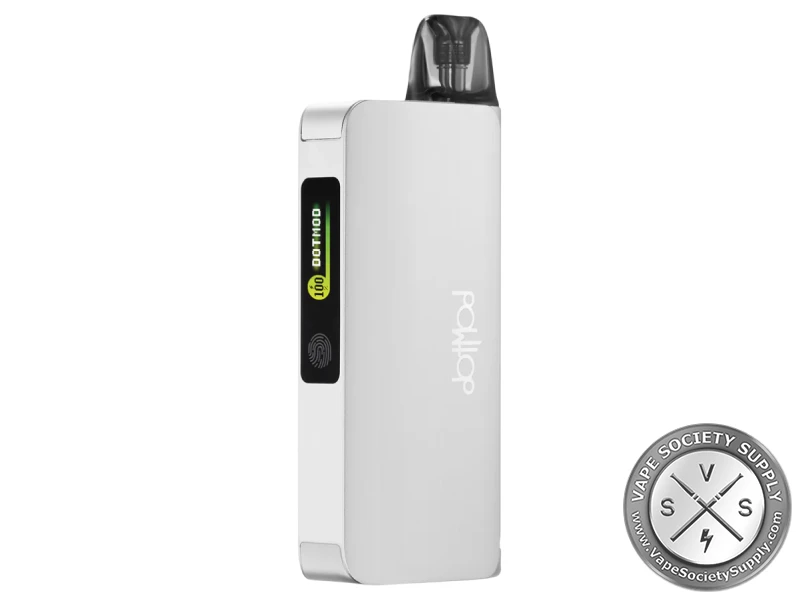
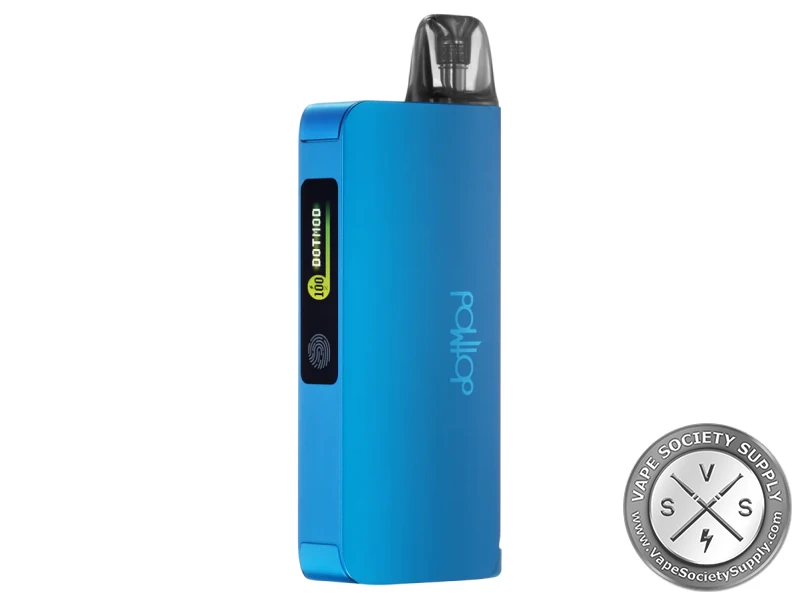
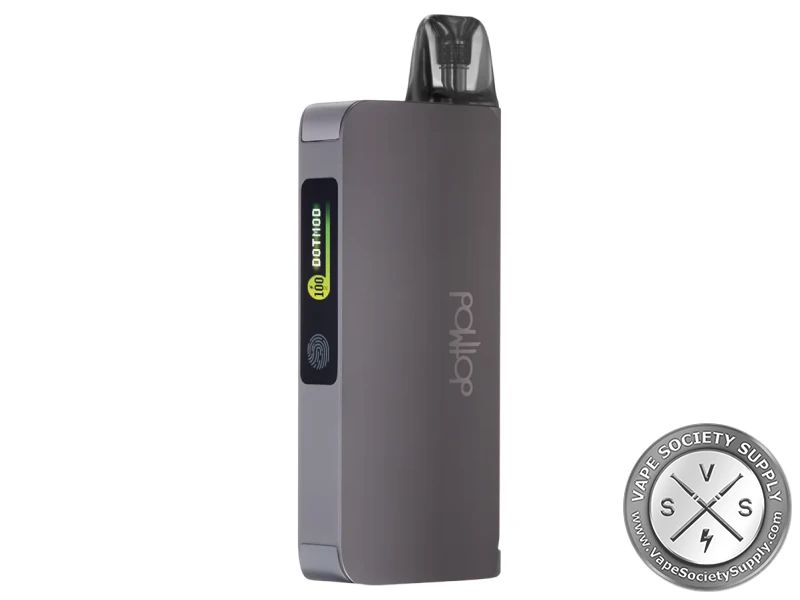
- Options: Black, Blue, Gunmetal, Red, Silver
dotPod Go Power by Pod
The dotPod Go sets the power from the pod’s resistance. dotmod’s manual gives:
| Pod | Resistance read | Power |
|---|---|---|
| 0.6Ω | 0.52–0.72Ω | 22W |
| 0.8Ω | 0.72–0.92Ω | 18W |
| 1.0Ω | 0.92–1.15Ω | 16W |
dotmod gives its working range as 0.6Ω to 1.0Ω.
How to Set Up the dotPod Go Kit
- Fill the pod: pull the pod out of the dotPod Go (magnets hold it), open the silicone cover over the fill hole and fill it. Don’t overfill.
- Fit the pod: push it into the dotPod Go; its screen shows the pod’s resistance and the battery level.
- Turn on the power bank: press its button 5 times.
- Dock the pen: set the dotPod Go into the power bank; magnets hold it, and the bank charges it.
- Charge the kit: plug a USB-C cable into the power bank; with the pen docked, both charge.
Who the dotPod Go Kit Is For
The dotPod Go Kit suits vapers who spend long stretches away from a charger and want a simple pod vape that sets its own power. For the pen on its own, see the dotmod dotPod Go.
Good to know: The dotPod Go takes dotPod replacement pods, the same 2ml pods dotmod lists for the dotPod Nano, S, Lite and Pro.
What’s in the dotPod Go Kit
- dotmod dotPod Go device
- dotPod Go Power Bank
- dotPod pod
- USB charging cable
- User manual
dotPod Go Kit FAQ
How big are the batteries?
650mAh in the dotPod Go and 2350mAh in the power bank.
How does charging work?
With the pen docked and no cable plugged in, the power bank charges it. A USB-C cable charges either one on its own, or both at once with the pen docked.
Can I vape while it charges?
Yes. Charging pauses while you vape and starts again after; docked, the screen lights for 5 seconds first.
Which pods does it take?
dotmod’s dotPod replacement pods: 2ml, in 0.6Ω, 0.8Ω and 1.0Ω.
Does it have a screen?
Two: a 0.69-inch monochrome OLED on the dotPod Go and a 0.99-inch color screen on the power bank.
You May Also Like
2500mAh battery · 7 colors
1500mAh battery
Single 18650 · 2 colors
950mAh battery · 10 colors
