

Graveyard ClearanceClearance
dotMod dotPod Pro | Pod System
- Alabama
- Alaska
- Arizona
- Arkansas
- California
- Colorado
- Connecticut
- Delaware
- Florida
- Georgia
- Hawaii
- Idaho
- IllinoisNot to Chicago or Cook County
- Indiana
- Iowa
- Kansas
- Kentucky
- Louisiana
- Maine
- Maryland
- Massachusetts
- Michigan
- Minnesota
- Mississippi
- Missouri
- Montana
- Nebraska
- Nevada
- New Hampshire
- New Jersey
- New Mexico
- New York
- North Carolina
- North Dakota
- Ohio
- Oklahoma
- Oregon
- Pennsylvania
- Rhode Island
- South CarolinaUntil Feb 1, 2027 (enforcement date)
- South Dakota
- Tennessee
- TexasSome restrictions may apply
- Utah
- Vermont
- Virginia
- Washington
- West Virginia
- Wisconsin
- Wyoming
- Washington, DC
- Military (APO, FPO, DPO)
Original price was: $39.99.$19.99Current price is: $19.99.
Graveyard Clearance priceClearance price, already marked down. Codes don’t apply. While supplies last.
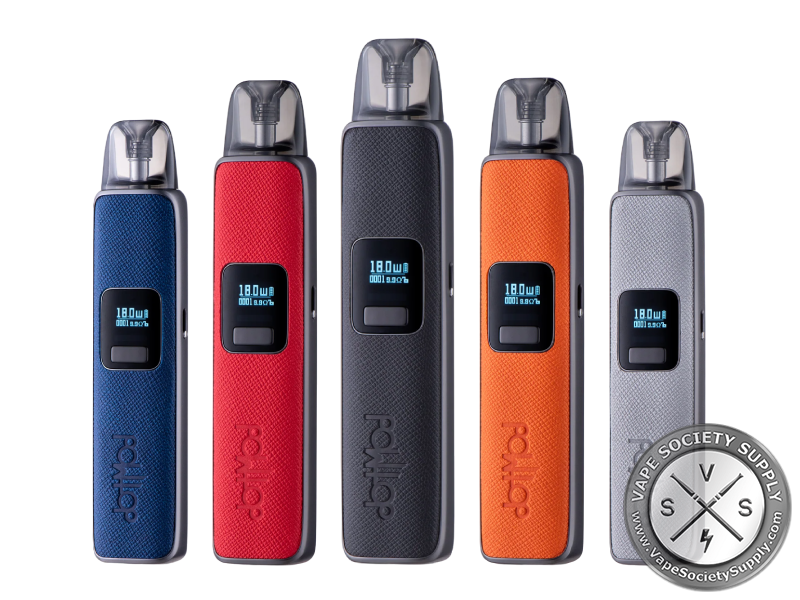
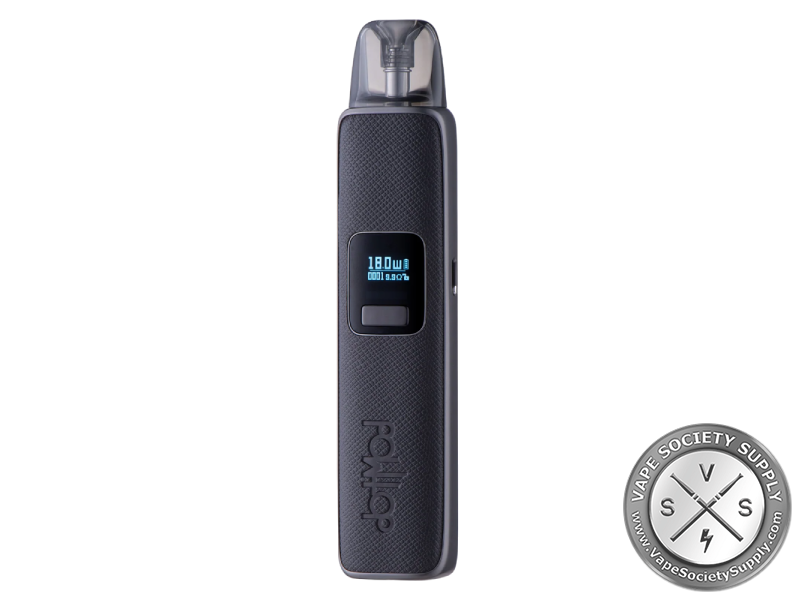
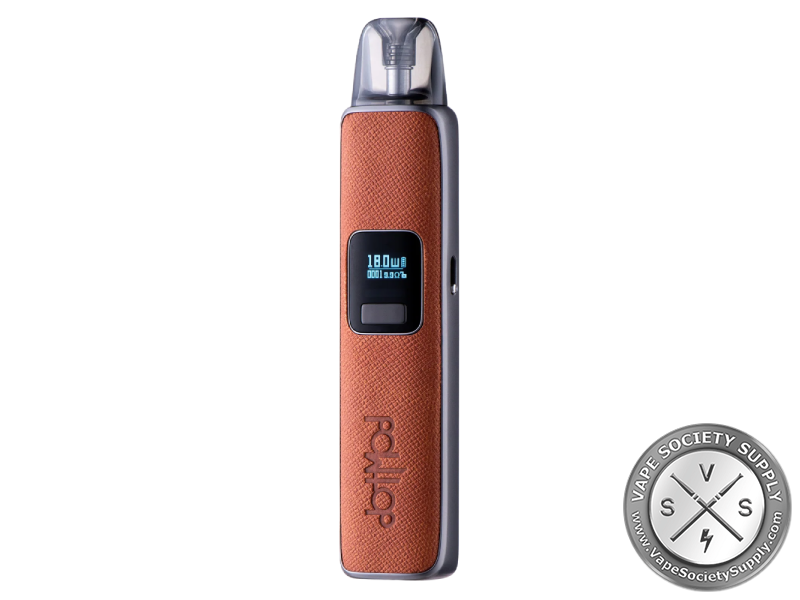
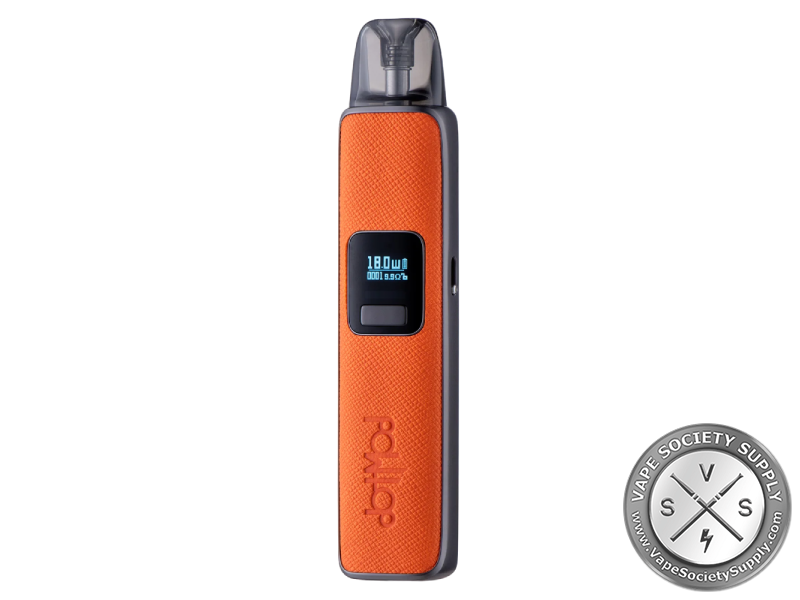
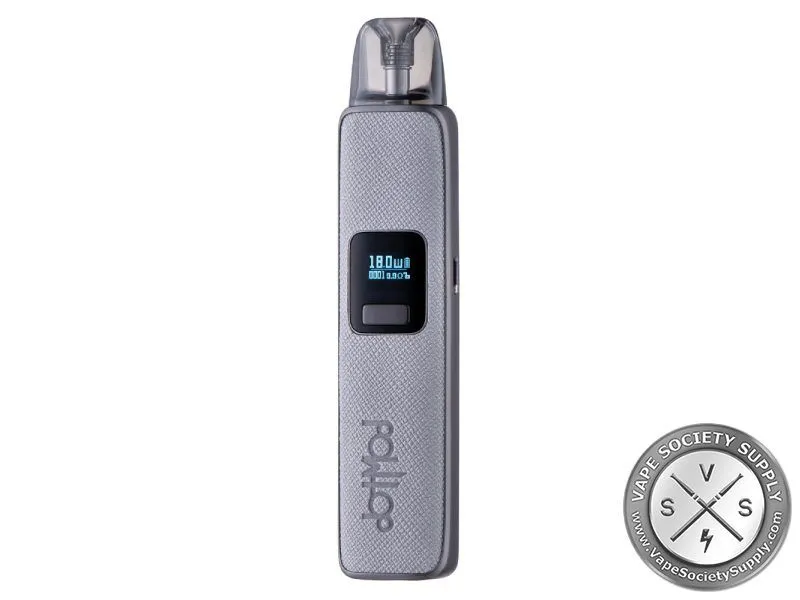
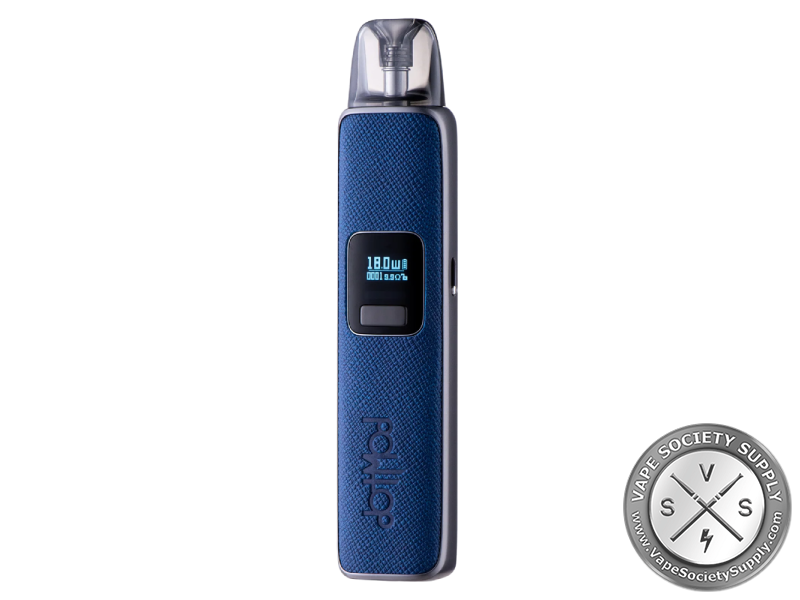
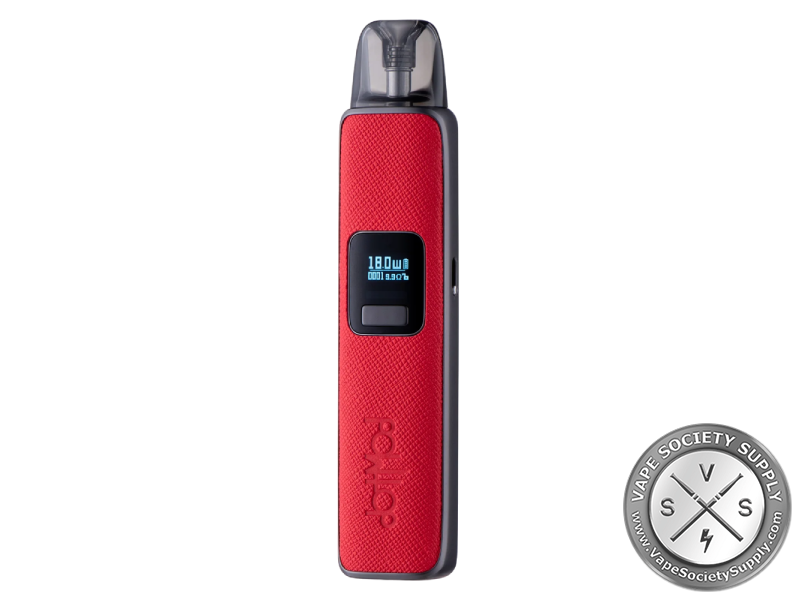
The dotMod dotPod Pro is a 35W pod system with a 1000mAh built-in battery, a high-definition screen, draw or button firing and a leather-and-zinc body. It takes 2ml dotPod pods.
Most orders ship within 24 hours on business days, except holidays. Orders placed on weekends or major holidays start processing the next business day.
| Option | Under $99 | $99 or more* |
|---|---|---|
| Standard shipping3–7 business days once shipped | $8.00 | FREE |
| PUDOpoint pickup3–5 business days, at a local counter | $8.00 | FREE |
| Adult signature (21+)Every shipped order | $8.00 | $8.00 |
Federal law requires an adult signature on every vape delivery: someone 21 or older signs and shows a valid photo ID.
dotMod dotPod Pro | Pod System Review
The dotMod dotPod Pro is a 35W pod system with a 1000mAh built-in battery, a high-definition screen and a zinc alloy frame with textured leather sides. It fires when you draw or press the button, the wattage is adjustable, and it takes 2ml dotPod replacement pods. See more from dotmod or compare other pod systems.
dotPod Pro Highlights
5W to 35W
Press the button 3 times quickly, then press it to change the wattage in 0.5W steps.
Draw or Button
It fires when you draw or when you press the button. Locking turns off the button but leaves draw firing on.
HD Screen
It shows the wattage, the pod’s resistance, the puff count and a puff timer.
Vape While Charging
It charges over USB-C, and dotmod says it supports pass-through charging.
dotPod Pro Specs
Device
- Battery: 1000mAh, built in
- Output: 5–35W, in 0.5W steps
- Resistance range: 0.28–3.0Ω
- Firing: draw or button
- Screen: high-definition: wattage, resistance, puff count, puff timer
- Airflow: adjustable
- Charging: USB-C, 5V/2A; you can vape while it charges
- Body: zinc alloy frame, textured leather sides
- Safety: 10-second cut-off; short-circuit, open-circuit, resistance, overheat and battery protection
dotPod Pods
- Pods: dotPod replacement pods, 0.6Ω, 0.8Ω, 1.0Ω
- Capacity: 2ml
- Fill: side fill under a silicone cover
- Fit: magnetic
dotPod Pro Colors
- Options: Black, Brown, Grey, Orange, Red, Royal Blue
dotPod Pro Button Guide
dotmod’s manual gives these quick presses:
| Press the button | To |
|---|---|
| 5 times | turn it on or off |
| 3 times, then press | change the wattage in 0.5W steps |
| 4 times | lock or unlock the button |
| 6 times | reset the puff counter |
Above 1.1Ω, dotmod’s manual says the dotPod Pro sets itself to 10W.
How to Set Up the dotPod Pro
- Fill the pod: pull the pod out (magnets hold it), open the silicone cover over the fill hole and fill it. Don’t overfill.
- Fit the pod: push it back into the device.
- Turn it on: press the button 5 times quickly.
- Set the wattage: press the button 3 times quickly, then press it to step through in 0.5W steps.
- Set the airflow: adjust it to the draw you like.
- Vape: draw on the mouthpiece or press the button.
Who the dotPod Pro Is For
The dotMod dotPod Pro suits vapers who want a small leather-finish pod system with a screen and power they set themselves. For a simpler version that sets its own power, see the dotmod dotPod S or the dotmod dotPod Nano.
Good to know: dotPod replacement pods have the coil built in, so you replace the whole pod. dotmod lists the same pods for the dotPod S, Nano, Lite and Go.
What’s in the dotPod Pro Kit
- dotMod dotPod Pro device
- 0.6Ω dotPod pod
- 0.8Ω dotPod pod
- USB charging cable
- User manual
dotMod dotPod Pro FAQ
How big is the battery?
1000mAh, built in. It charges over USB-C, and you can vape while it charges.
How does it fire?
Both ways: draw on the mouthpiece or press the button. When it’s locked, only draw firing works.
How do I change the wattage?
Press the button 3 times quickly, then press it to change the wattage in 0.5W steps, from 5W to 35W.
Which pods does it take?
dotmod’s 2ml dotPod replacement pods, in 0.6Ω, 0.8Ω and 1.0Ω. A 0.6Ω and a 0.8Ω pod come in the box.
What does the screen show?
The wattage, the pod’s resistance, the puff count and a puff timer. Press the button 6 times to reset the puff counter.
You May Also Like
Vape Pod Systems & Kits
Vape Pod Systems & Kits
Vape Pod Systems & Kits
Vape Pod Systems & Kits
